
Download ISODisk – Free Virtual CD/DVD Drive Software for Windows & Mac
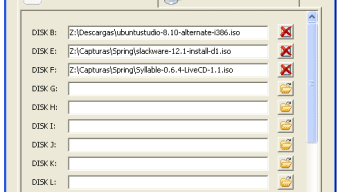
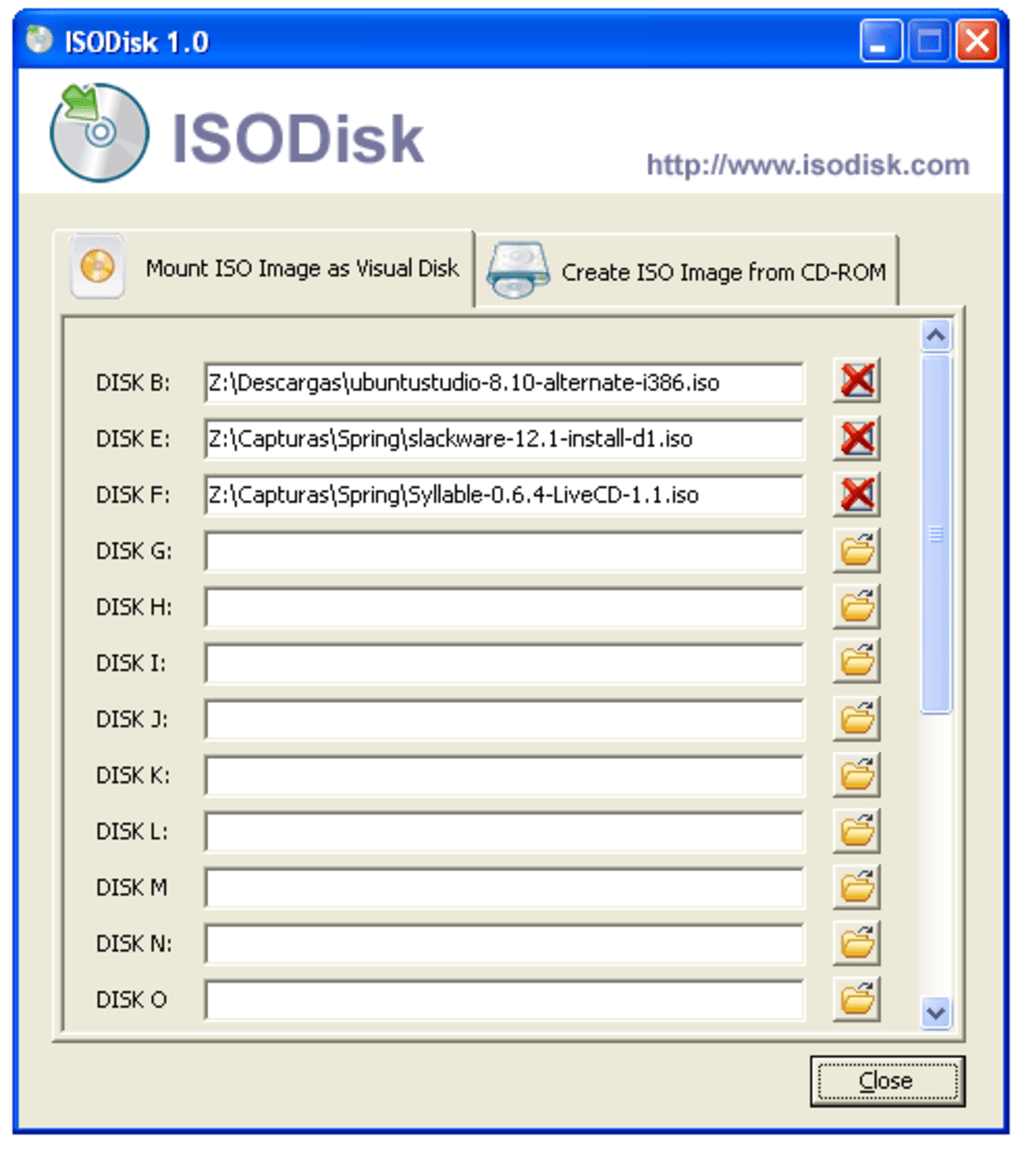
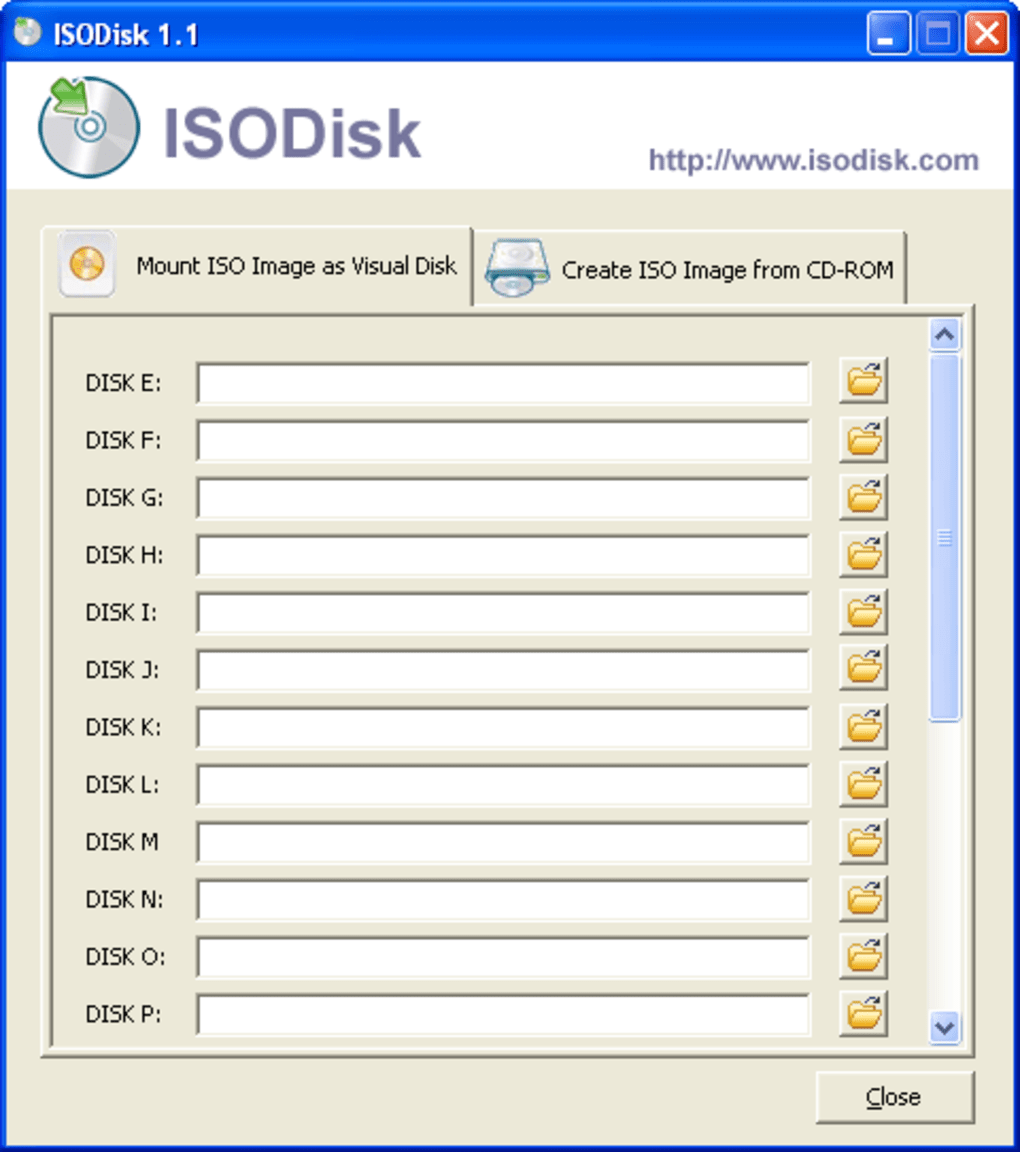
ISODisk is a lightweight, secure, and fast software tool designed to mount ISO files as virtual drives on your computer. Whether you're working with backup copies, installing operating systems, or running software that requires physical disc insertion, ISODisk eliminates the need for physical media. With support for up to 20 simultaneous virtual drives, this free tool is perfect for power users, IT professionals, and casual users alike.
Compatible with Windows and Mac systems, ISODisk offers a seamless experience without any bloat or unnecessary features. The software is easy to install, runs efficiently in the background, and allows you to access ISO content instantly—just like a real CD or DVD drive. No more scratching your discs or dealing with drive errors.
Download ISODisk today and streamline your digital workflow with a reliable, free ISO mounting solution.
Why ISODisk Stands Out Among ISO Mounting Tools
When it comes to managing ISO files, users often face a choice between bloated software with unnecessary features or minimal tools that lack reliability. ISODisk strikes the perfect balance—offering a streamlined, efficient, and secure solution for mounting ISO images. Unlike many competitors that require complex setups or charge for core functionality, ISODisk is completely free and designed with simplicity in mind.
Its primary strength lies in its ability to mount up to 20 ISO files simultaneously, making it ideal for users who frequently work with multiple disc images—such as system administrators, software testers, or gamers who rely on disc-based games. Each mounted ISO appears as a virtual drive in File Explorer (Windows) or Finder (Mac), allowing you to access files just as if you were inserting a physical disc. The software operates in the background with minimal system impact, ensuring your computer remains responsive even when multiple drives are active.
One of the standout features is the automatic mounting process: simply double-click an ISO file, and ISODisk mounts it instantly. There’s no need to open the app every time—just drag and drop your ISOs into the interface or use the context menu. This level of integration enhances productivity and reduces workflow friction.
Additionally, ISODisk supports both standard ISO files and some proprietary disc image formats, expanding its usability across various platforms and use cases. For those who value speed, security, and simplicity, ISODisk delivers a superior experience without compromise.
How to Install and Use ISODisk on Windows and Mac
Installing ISODisk is a quick and hassle-free process, whether you're using Windows or Mac. Begin by visiting the official website and downloading the latest version of the software—available for both Windows (32-bit and 64-bit) and macOS. The installer is small in size, typically under 5MB, ensuring a fast download even on slower connections.
Once downloaded, run the installer and follow the on-screen prompts. On Windows, you may need to allow the app to make changes to your system, but the process is straightforward and secure. After installation, ISODisk runs silently in the background and automatically integrates with your file system.
To mount an ISO file, simply double-click it, and the software will handle the rest. Alternatively, you can open ISODisk from the system tray (Windows) or menu bar (Mac) and drag your ISO files into the interface. The software supports batch mounting, so you can load multiple ISOs at once.
Each mounted drive appears as a new drive letter (e.g., D:, E:) on Windows or as a mounted volume in Finder on Mac. You can access the files, run installers, or launch applications directly from the virtual drive. When you're done, simply eject the drive via the system menu or the ISODisk interface.
Unmounting is instant and safe—no risk of data corruption. For advanced users, ISODisk also offers a command-line interface for scripting and automation, making it a valuable tool in enterprise environments. Regular updates are released to improve compatibility, fix bugs, and enhance security.
The developers are committed to maintaining a stable and reliable tool, ensuring users always have access to the latest version. Whether you're a beginner or a tech-savvy professional, ISODisk is designed to be intuitive and accessible from day one.
Compatibility, Features, and Performance Overview
ISODisk is engineered to work seamlessly across a wide range of operating systems, including Windows 7 through Windows 11 and macOS 10.14 and later. This broad compatibility ensures that both legacy and modern systems can benefit from its virtual drive functionality. The software is lightweight, consuming minimal RAM and CPU resources, which means it won’t slow down your machine—even when 20 virtual drives are active.
This efficiency is crucial for users running virtual machines, development environments, or resource-intensive applications. One of the key features of ISODisk is its ability to mount ISO files without requiring administrative privileges in most cases, making it ideal for shared or restricted workstations. It also supports automatic mounting via file associations, so every ISO file you double-click is handled instantly.
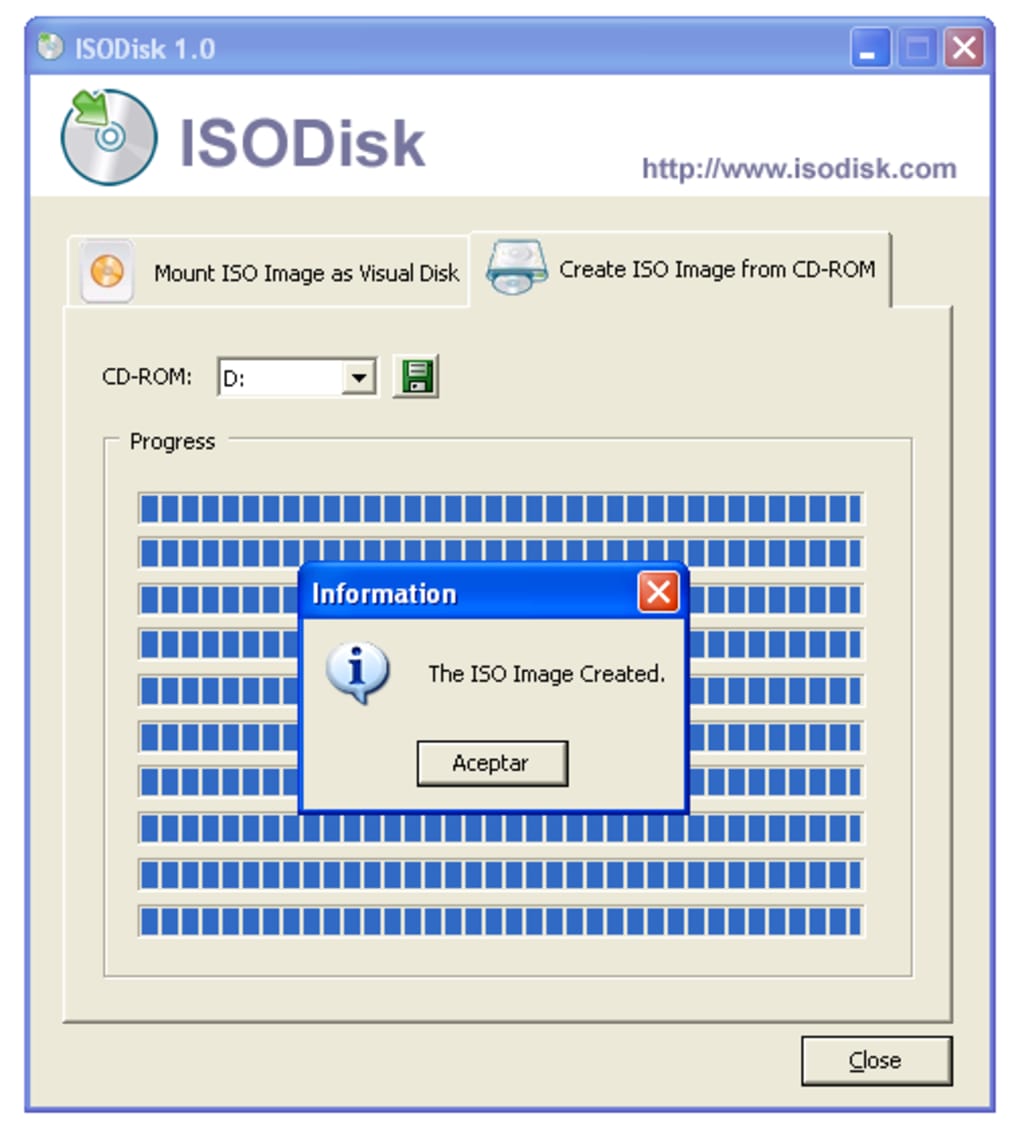
Another notable feature is the built-in drive management system, which allows you to view all active virtual drives, check their status, and eject them with a single click. While ISODisk does not include ISO creation tools—unlike MagicDisc or WinCDEmu—it excels in its core function: mounting. This focus on performance and reliability means fewer crashes, faster load times, and a more stable user experience.
The software is also secure by design—no ads, no telemetry, and no bundled malware. All data remains local to your device, giving you full control over your files. For users who need to work with large ISO files (such as full OS backups or game distributions), ISODisk handles them without issues.
The interface is clean and minimal, with no distracting elements. Even though it lacks advanced features like encryption or compression, its simplicity is a strength. For those who want a no-frills, dependable tool for mounting ISOs, ISODisk delivers exactly what it promises—fast, secure, and efficient.
Pros and Cons: Is ISODisk Right for You?
- Pros:
- Free to download and use with no hidden costs
- Mounts up to 20 ISO files simultaneously
- Lightweight and fast with minimal system impact
- Works on both Windows and Mac systems
- Automatic mounting via double-click or file association
- Secure with no ads, telemetry, or bundled software
- Simple, clean interface with easy drive management
- Regular updates for compatibility and security
- Cons:
- Does not support ISO creation (you’ll need another tool for that)
- Limited to ISO and some common disc image formats
- No built-in encryption or password protection for ISOs
- Minimal customization options for drive letters or settings
- Interface is basic—may feel too simple for advanced users
Frequently Asked Questions (FAQ)
Can I use ISODisk to mount ISO files on both Windows and Mac?
Yes, ISODisk is fully compatible with both Windows and macOS. The software is available for download on both platforms, offering the same reliable ISO mounting experience regardless of your operating system.
How many ISO files can I mount at once with ISODisk?
ISODisk supports up to 20 simultaneous virtual drives, allowing you to mount multiple ISO files at once—perfect for managing large software collections, system backups, or game libraries.
Is ISODisk free to download and use?
Yes, ISODisk is completely free to download and use. There are no trial periods, no subscription fees, and no in-app purchases. It’s a fully functional tool available at no cost.
Can I create ISO files with ISODisk?
No, ISODisk does not include ISO creation tools. If you need to create ISO files from your folders or discs, you’ll need to use a separate tool like MagicDisc, WinCDEmu, or ImgBurn.
Does ISODisk work with large ISO files?
Yes, ISODisk handles large ISO files efficiently, including full OS backups, game distributions, and software installers. The software is optimized for performance and stability, even with multi-gigabyte files.
Final Verdict: A Must-Have for ISO Management
ISODisk is a standout choice for anyone who regularly works with ISO files. Its combination of speed, reliability, and ease of use makes it one of the best free virtual CD/DVD drive tools available. While it doesn’t offer ISO creation or advanced features, its focus on core functionality ensures a smooth, secure, and efficient experience.
Whether you're a student, developer, gamer, or IT professional, ISODisk simplifies your workflow and protects your physical discs from wear and tear. The software’s lightweight design and cross-platform support make it accessible to a wide audience. With regular updates and a commitment to user privacy, ISODisk continues to earn trust in the tech community.
If you're looking for a secure, fast, and free way to mount ISO files on your Windows or Mac device, ISODisk is the perfect solution. Don’t wait—download ISODisk today and experience hassle-free disc image management.
CTA: Download ISODisk Now – Free, Secure, and Instantly Mount Your ISO Files







